

Missing Data from POP Tracker? Vendor users can now run a Missing POP report from the website. This report will provide users with a spreadsheet list of campaigns and unit details of the incomplete units in POPT. This spreadsheet is flexible in exporting missing data from a specific date range and for selected agencies.
To export report:
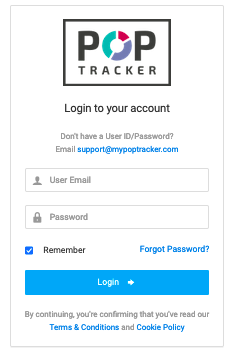
1. Log into POP Tracker website. https://live.mypoptracker.biz
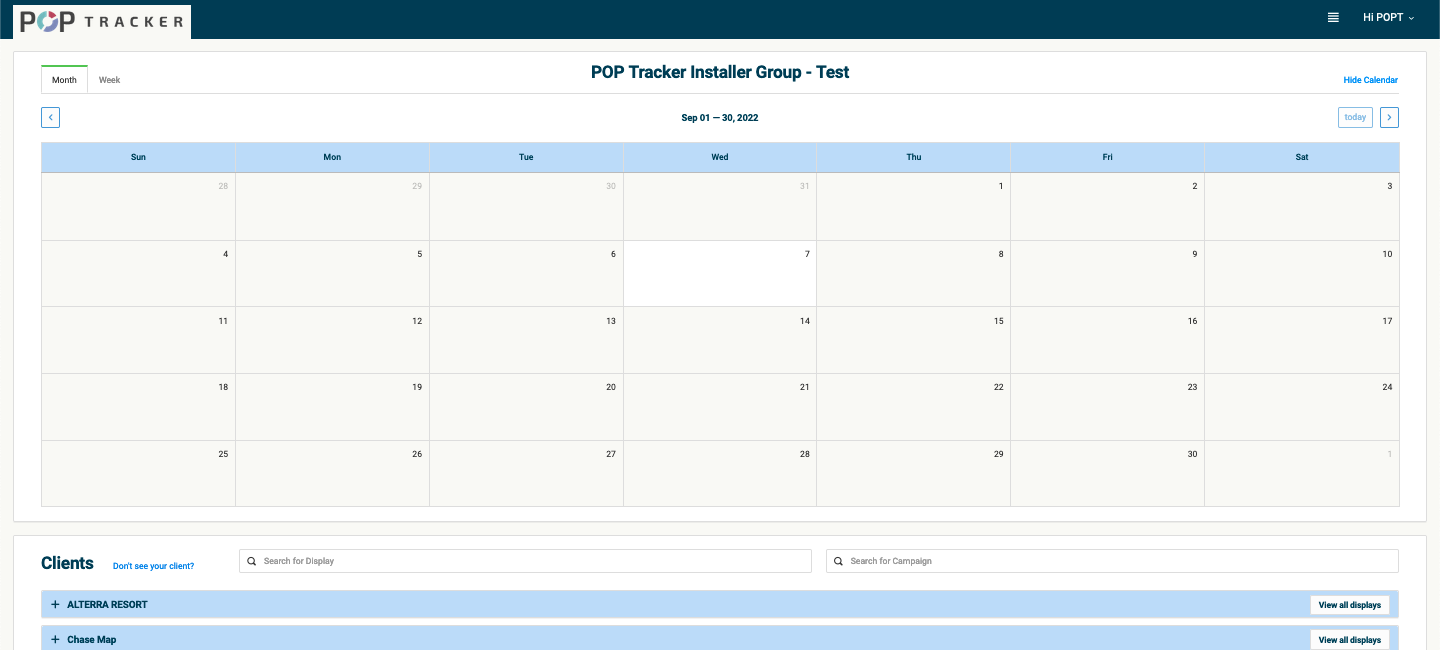
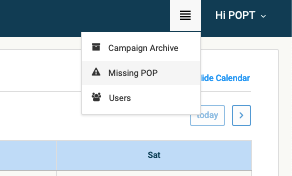
2. Open Menu bar (top right, to the left of your name) > Click Missing POP Report
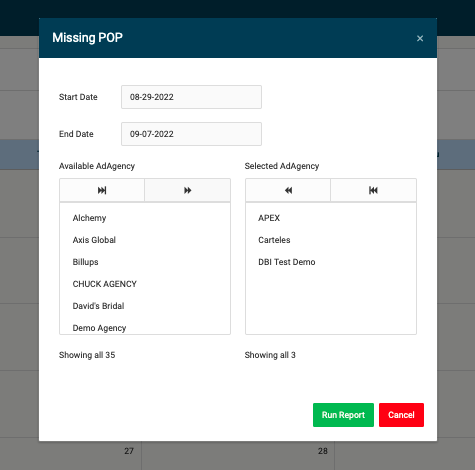
3. Fill in the pop up for data preference:
a. Select From and To Start Dates. This will filter the report to export missing data within this start date range.
b. Select Agencies. In the List of agencies, select the agency you would like to export in this report. All agencies will have their own spreadsheet in the Missing POP Report workbook.
4. Use the spreadsheet as guidance for all missing data and complete in POP Tracker accordingly.
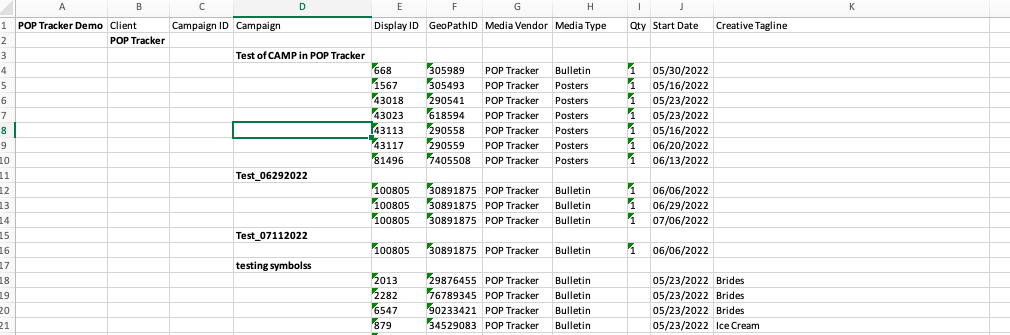
When data is completed in POP Tracker, the Missing POP Report tool will update instantly so the next report ran will not include units already completed.
POP Tracker Support - support@mypoptracker.com